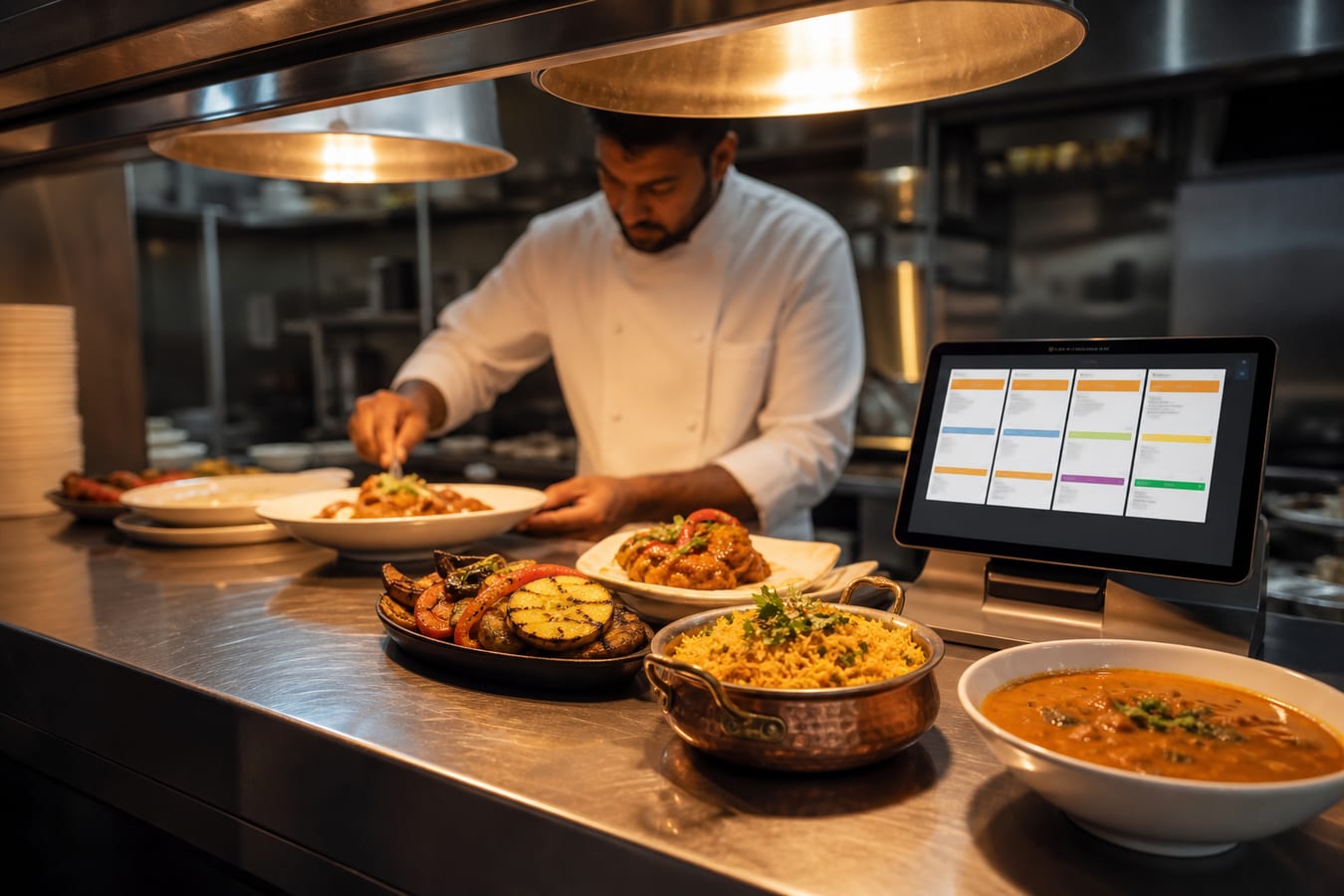
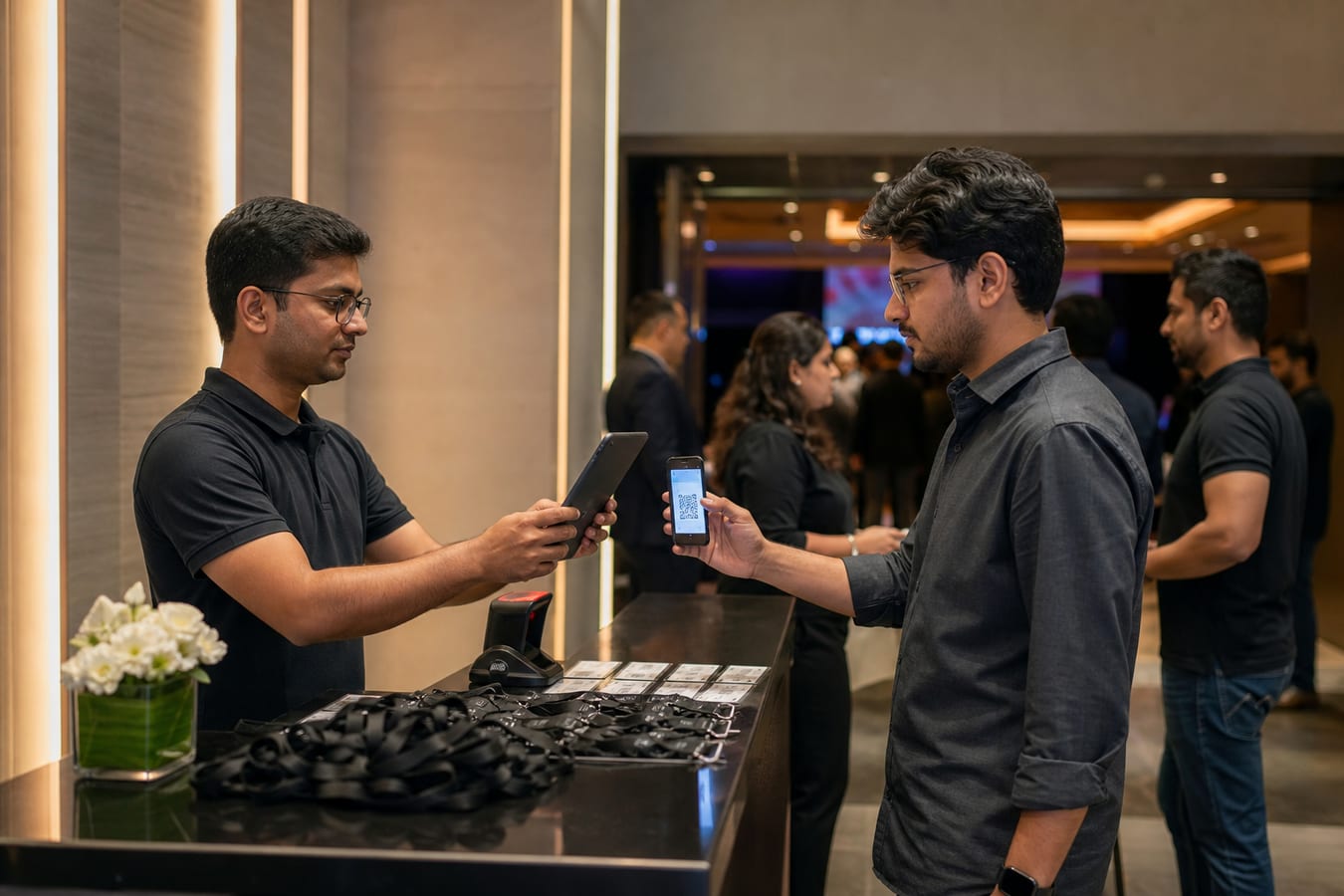
Solaris Events is Teknosage’s events, discovery, and ticketing app. Organisers publish public event pages, hold capacity-safe tickets, and check guests in with QR codes. Attendees can browse and buy as guests; organisers and door staff sign in when they need an account.
This is a dedicated Solaris app with its own web address. You do not need a full ERP to run an event calendar, and you do not need to buy every Solaris product to use Events.
What organisers actually need
Event businesses stall when discovery, tickets, and the door are three different tools. Guests cannot find the show. Holds oversell a room. Staff at the gate cannot trust the list on someone’s phone.
A working events stack usually needs four jobs done together:
- Public pages people can browse without creating an account.
- Ticket inventory that cannot sell the same seat twice.
- A checkout path that works for guests.
- A door workflow with QR tickets and an auditable undo.
How Solaris Events is organised
Discovery
City-first public pages so guests can browse upcoming events without signing in. Marketing stays on the public site; the live app is at events.solarissuite.com.
Tickets and QR
Capacity-safe holds, guest checkout, and server-signed QR tickets for the door. The hold exists so two people cannot complete payment for the last remaining place.
Organiser workspace
Organisers sign in with their Solaris account to create events, manage staff, and see check-in. Attendees can stay guests through checkout if they do not want an account.
Communities and members
Follow organisers, memberships, and member-only events without a second login for staff who already use Solaris.
Staff check-in
Camera or paste QR at named gates. Undo is recorded, so a mistaken scan can be reversed without rewriting history on paper.
When Events is the right conversation
Start here when the pain is public discovery, tickets, or door control — not inventory ERP, payroll, or GST invoicing. Those jobs live in other Solaris products.
- You run paid or RSVP events and overselling is a real risk.
- Guests should not be forced to create an account before they can browse.
- You need named gates and a check-in trail, not a spreadsheet at the door.
When to wait
- You only need a one-page brochure with a phone number — a website is enough.
- Ticketing is entirely on a third-party platform you already trust and will not leave.
- The “event” is really venue operations plus deposits — that is a different product conversation.
How Events sits with the rest of Solaris
Events is a suite app, not a replacement for Neptune stock control or Jupiter HRMS. Many organisations will run Events for public shows and keep ERP for the company. See the suite overview at Solaris Suite and the commercial hub at Solaris Suite ERP.
For the public product page, visit www.solarissuite.com/events. The live app stays on events.solarissuite.com — the marketing page does not auto-redirect.
Next step
If you are choosing between a brochure site, a booking calendar, and a full ticketing app, start with who must get through the door tonight. If that answer is “named tickets and a trusted scan,” explore Solaris Events and talk to Teknosage.